Orders for Any Future Date
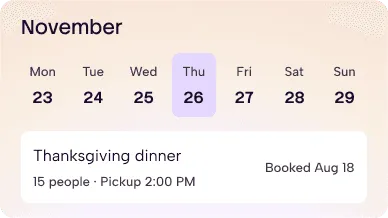
Customers order today for Mother's Day, Labor Day or Thanksgiving. You get the order now, with the day it's due.
Catering Software for Restaurants
Customers book catering for the day they need it, and you see the whole week's prep before it starts.
Why it’s Different
Customers order today for Mother's Day, Labor Day or Thanksgiving. You get the order now, with the day it's due.
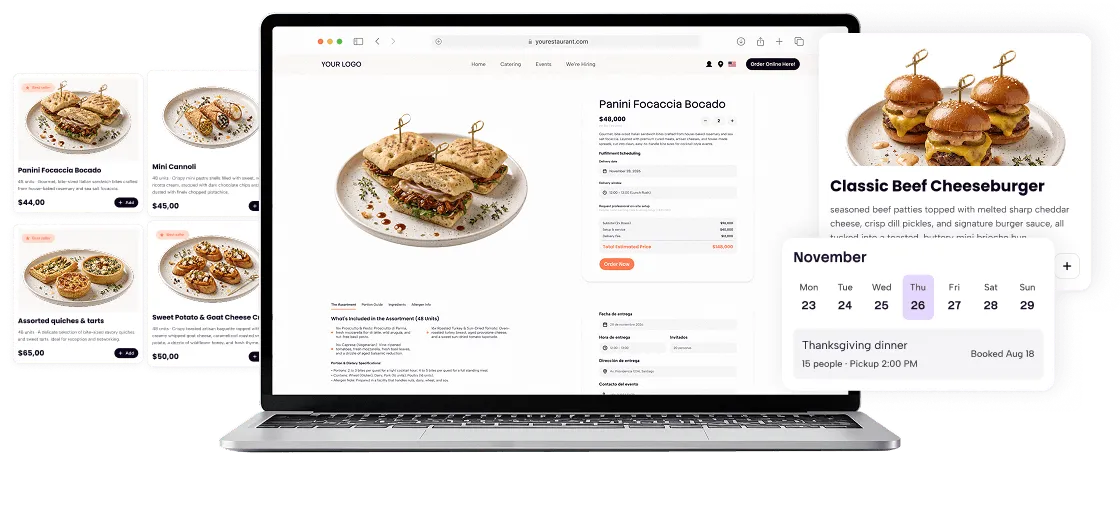
Customers say how many people they're feeding, and the page suggests how much to order.
See every catering order day by day, so you know how much turkey to have on Wednesday.
When someone calls, type the order on any Apple or Android tablet and take the payment right there.
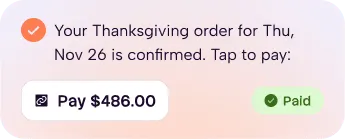
Text your customer a payment link. They tap it and pay from their phone, so there's no need to take card numbers over the phone.
Customers choose. Deliver it yourself, or send it with Uber Direct or DoorDash Drive.
How it works
One order, from booking to pickup.
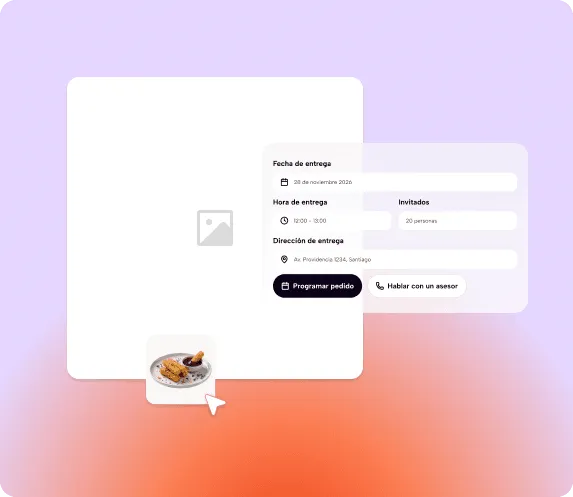
They book the date. A customer orders on your page for the day of the event, and says how many people they’re feeding.
It lands on your screen. The order shows up with its date, next to your pickup and delivery orders.
You prep and get paid. Your prep sheet adds it to that week. Send a payment link by text, then hand it off or deliver it.
Big orders come in by phone and get written down wherever.
Your system can’t hold an order for a future date.
You find out how busy the holiday week is when it starts.
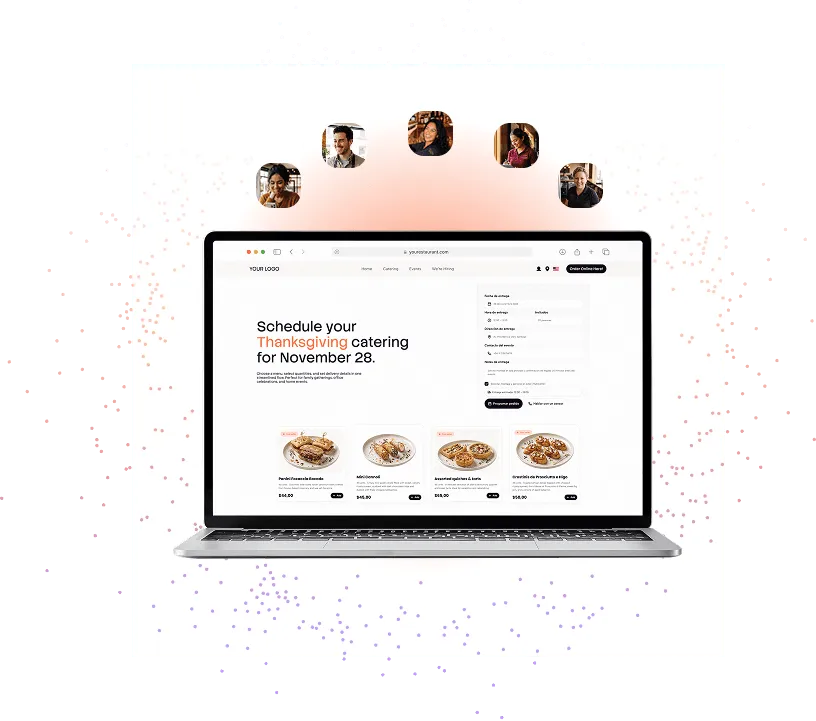
Customers book the date they need, weeks ahead.
Web and phone orders land in the same place.
A day-by-day prep sheet shows the week before it arrives.
Catering comes in waves: Mother's Day, Labor Day, Thanksgiving. When those orders arrive by phone and live in a notebook, nobody sees the full week until it's already here. That's when you run short on turkey, or buy twice what you need.
That is where Eatsy Orders comes in: our restaurant catering software helps owners stay in control of large orders. By centralizing phone and online bookings weeks in advance and generating clear daily prep lists, your team can plan for busy catering seasons.
Every order has a date, a channel, and a place in the prep plan, so you can focus on getting it right for your customers.

Catering orders are larger or scheduled orders prepared for a group, event, or future pickup and delivery time.
Yes. Customers can choose the date and time they need, including dates weeks in advance.
Yes. Add phone orders from a tablet so they appear alongside orders customers place online.
Yes. Our team helps configure your menu and ordering experience for your restaurant.
Your prep sheet shows every catering order for the week, day by day, so you can plan what to buy and cook each day.
Yes. Our team can guide you through setup and day-to-day use in English or Spanish.
Customers can choose pickup or delivery. You can deliver orders yourself or use supported delivery partners.
Eatsy Orders lets you set clear ordering rules, cut-off times, and advance notice requirements. By guiding customers to book ahead online, you can plan ingredient purchases and avoid rushing to fulfill large orders the day before.
Knowing your daily prep requirements in advance helps prevent overbuying ingredients or running short on key menu items during busy holidays like Thanksgiving or Mother’s Day.
No. Website and manually entered phone orders appear in one place, helping your team save time and avoid duplicate entries.
Do you still have questions?
Go to learn & helpAll the tools you need to run your restaurant, all in one place.
Get a free demoBook a demo and we'll show you catering with your own menu.